Skip to content

For venues

Offer interpretation in every hall.

Every event that asks for languages means booths, receivers and another supplier.
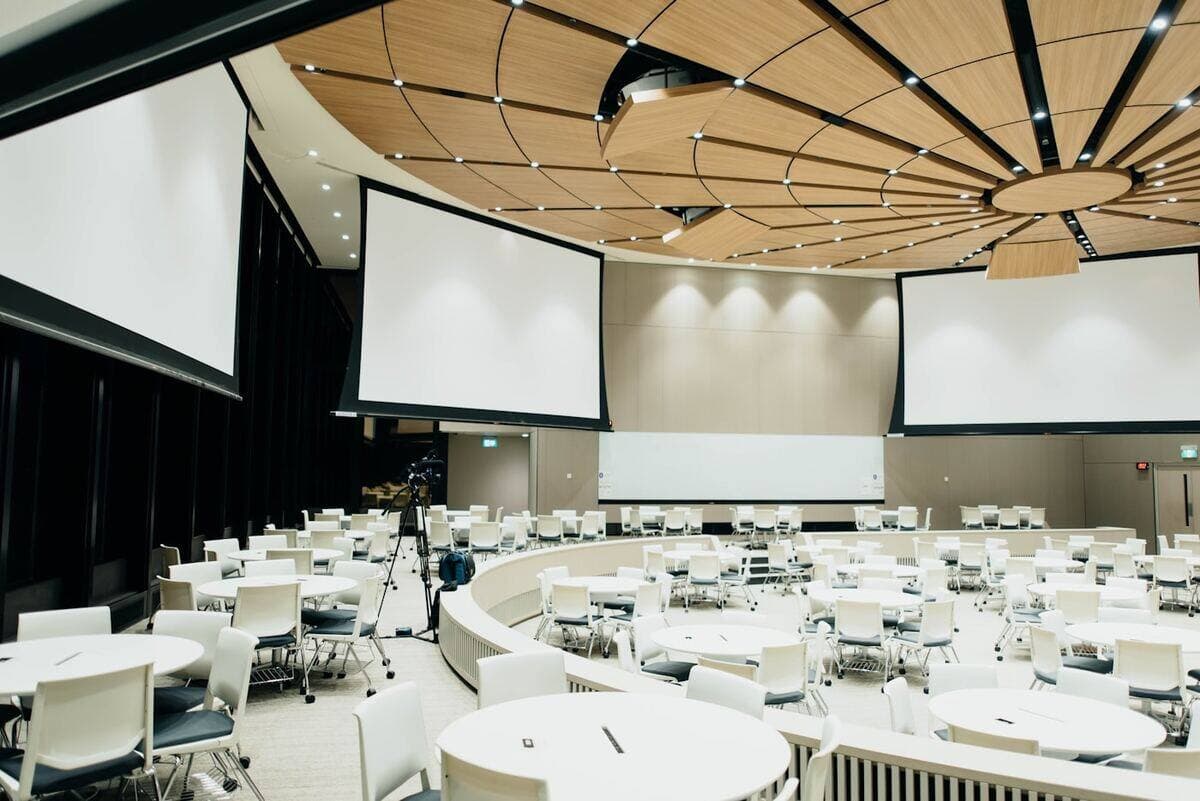
Event team coordinating a live venue setup
Scene for illustration

The situation

Wire each hall’s mixer once. Per event, add languages and print a QR code. Delegates listen on their phones.

The workflow

  1. 01

    Hall mixer

    One line-out per hall

  2. 02

    Tõlk stage

    Languages per event

  3. 03

    QR signage

    Screens, seats, badges

  4. 04

    Handoff

    Venue tech or organizer runs it

  5. 05

    Recordings

    Sent to the organizer

Before you go live

Practical considerations.

Audio

A fixed line-out per hall makes setup take minutes.

Wi-Fi

Size it for a full hall, or rely on mobile data.

Operator

Decide who watches the cockpit per event.

Packaging

Sell it as a venue add-on. We help in the pilot.

Built for the AV desk.And for developers.

Every input your production has, every output it needs, and an API for the rest.

In
Mixer line-outUSB interfaceRTMPBrowser micRemote micMeeting bot
Tõlk
Out, per language
Browser + QRHLSRTMP pushCaption screenRecordingsAPI
  • Every way in

    Mixer line-out, USB interface, RTMP ingest, browser mics, a phone as remote mic.

    #line-out#usb#rtmp#remote-input
  • Multi-mic mixer

    Several inputs at once. The loudest voice gets the floor automatically.

    #multi-input#auto-floor#speaker-names
  • AV desk view

    Big buttons for the person at the desk: go live, switch, monitor.

    #go-live-per-stage#speaker-monitor#listener-counts
  • Every way out

    Browser listeners, HLS links, RTMP push per language, caption screens.

    #hls#rtmp-push#captions-screen#qr
  • One-click restream

    Connect once, Go live per language on YouTube, Twitch, Restream, Facebook, Vimeo, Zoom.

    #oauth-connect#per-language-streams
  • Public API

    Create events, add languages, launch sessions, get listener and stream links.

    #rest-v1#openapi#api-keys-scopes
  • Pilot/beta

    Meeting bot

    Joins a ClickMeeting webinar as an attendee and feeds its audio to Tõlk.

    #clickmeeting#no-screen-capture
  • Engines with failover

    OpenAI, Gemini or Dictionary-assisted per language. A failing engine hands over automatically.

    #per-language-engine#auto-failover#dictionary
  • Recordings and transcripts

    Original and translated tracks, transcripts and AI summaries after every broadcast.

    #mp3-per-language#transcripts#summaries
  • Pilot/beta

    Edit before it airs

    In Studio: fix a phrase, change a term, re-voice a line, then publish.

    #phrase-edits#re-voice#export
  • Analytics

    Listeners per language over time, peak and unique listeners, kept after the event.

    #per-language#history
  • Pilot/beta

    Virtual microphone

    Tõlk Bridge exposes translated voice as a mic for any desktop app or OBS.

    #macos#windows#linux

Hear it

What your audience would hear.

Join the listener demo on your phone, or watch Tõlk at a real event.

Live demo, on your phone

Join as a listener

The real listener page with real Tõlk translations. Pick a broadcast and a language, then listen with captions, AI Summary, agenda and speakers.

See it in the app

Tõlk in action

Real footage: captions on a laptop, a listener on their phone, the AV desk on air.

Recorded at a live event: captions, phones, and the AV desk.

The Live AI Translation Hub

Ready for your next moment?

Tell us what to make multilingual. We pilot it on your content, then you decide.